
If you’re using UKG for workforce management, you know it handles scheduling and time tracking well—but is it still the right fit for your company?
This guide looks at eight UKG alternatives to help you decide whether switching could benefit your organization. Each platform offers different strengths: for example, HiBob’s automated workflows help reduce your manual HR tasks.
To help you make an informed decision, we’ll review how these alternatives handle the challenges UKG users commonly face. We’ll take a look at their features, implementation requirements, and real user experiences.
Quick guide: 8 best UKG alternatives
| Software | Best for | Ideal company size | G2 rating | Pricing |
|---|---|---|---|---|
| UKG Pro | The platform these alternatives are compared against | Large organizations and enterprise | 4.3/5 (2,200+) | Custom pricing |
| HiBob | The best modern HR platform for growing companies | 50–5,000 people, multi-country | 4.5/5 (2,600+) | Custom pricing |
| BambooHR | User-friendly solution for small teams | Under 350 people | 4.4/5 (6,000+) | Custom pricing |
| Workday | Enterprise platform for large organizations | 500+ people | 4.1/5 (1,700+) | Custom pricing |
| Personio | European-focused solution for SMEs | 10–2,000 people | 4.4/5 (900+) | Custom pricing |
| Rippling | Unified HR, IT, and finance | 2–2,000+ people | 4.8/5 (13,400+) | Custom pricing |
| ADP | Traditional choice for payroll and HR | 50–500 people | 4.2/5 (4,200+) | Custom pricing |
| SAP SuccessFactors | HCM for large, multi-country enterprises | 1,000+ people | 4.1/5 (1,650+) | From $6.30 per person/mo |
| Namely | Mobile-first platform for distributed teams | 50–350 people | 3.9/5 (330+) | From $9 per person/mo |
How we chose the best alternatives to UKG HRIS 2026
Companies leave UKG for different reasons: an implementation that took longer than planned, a system their managers avoid, or scheduling depth they no longer need. We shortlisted the eight platforms UKG customers most often move to, read each vendor’s own product and pricing pages, then tested those claims against verified customer reviews on G2 and Capterra. Where a vendor’s marketing and its reviewers disagreed, we went with the reviewers.
- Implementation speed and cost: How long does it take to go live, and how much do you need to invest in the setup?
- User adoption rates: Will your team accept your platform and start using it right away?
- Workforce management capabilities: Does it give you scheduling, tracking, and labor tools that work?
- Performance and talent tools: Will you get review processes that drive development instead of feeling like chores?
- Analytics and reporting: Can you get the insights you’re looking for and customize your reports according to your specific needs?
- Mobile experience: Do you get decent mobile support for distributed and frontline workers?
We scored all eight on the same capabilities, alongside UKG Pro itself, and the full scoring is in this spreadsheet here.
The 8 best UKG alternatives
1. HiBob: The best modern HR platform for growing companies
If you have a distributed team and you’re looking to make the switch quickly, HiBob could be the perfect alternative for you. While UKG can require four to six months of implementation and dedicated specialists, HiBob gets you running in six to eight weeks. You get powerful HR capabilities that reduce your admin load, such as automated workflows that save hours each week.
HiBob also brings HR and Finance onto the same page for workforce costs. Finance leaders get real-time headcount and compensation visibility, clearer audit trails for changes, and faster inputs for budgeting and forecasting so you’re not chasing spreadsheets every time a role changes or a comp update lands.
With HiBob, the culture-building tools are built right into the platform. Your team can check birthdays, give kudos, and connect with their colleagues across locations. Meanwhile, your HR people get AI-powered tools for compensation planning, performance reviews, and workforce analytics. You can configure everything yourself without needing technical expertise, which keeps costs down and gives you flexibility.
HiBob grows naturally with your company—you can start with 50 people and easily scale up to thousands. You can handle multiple currencies for payroll and support global teams. HiBob even adapts to your existing tools and org structure, making it easy to grow over time.
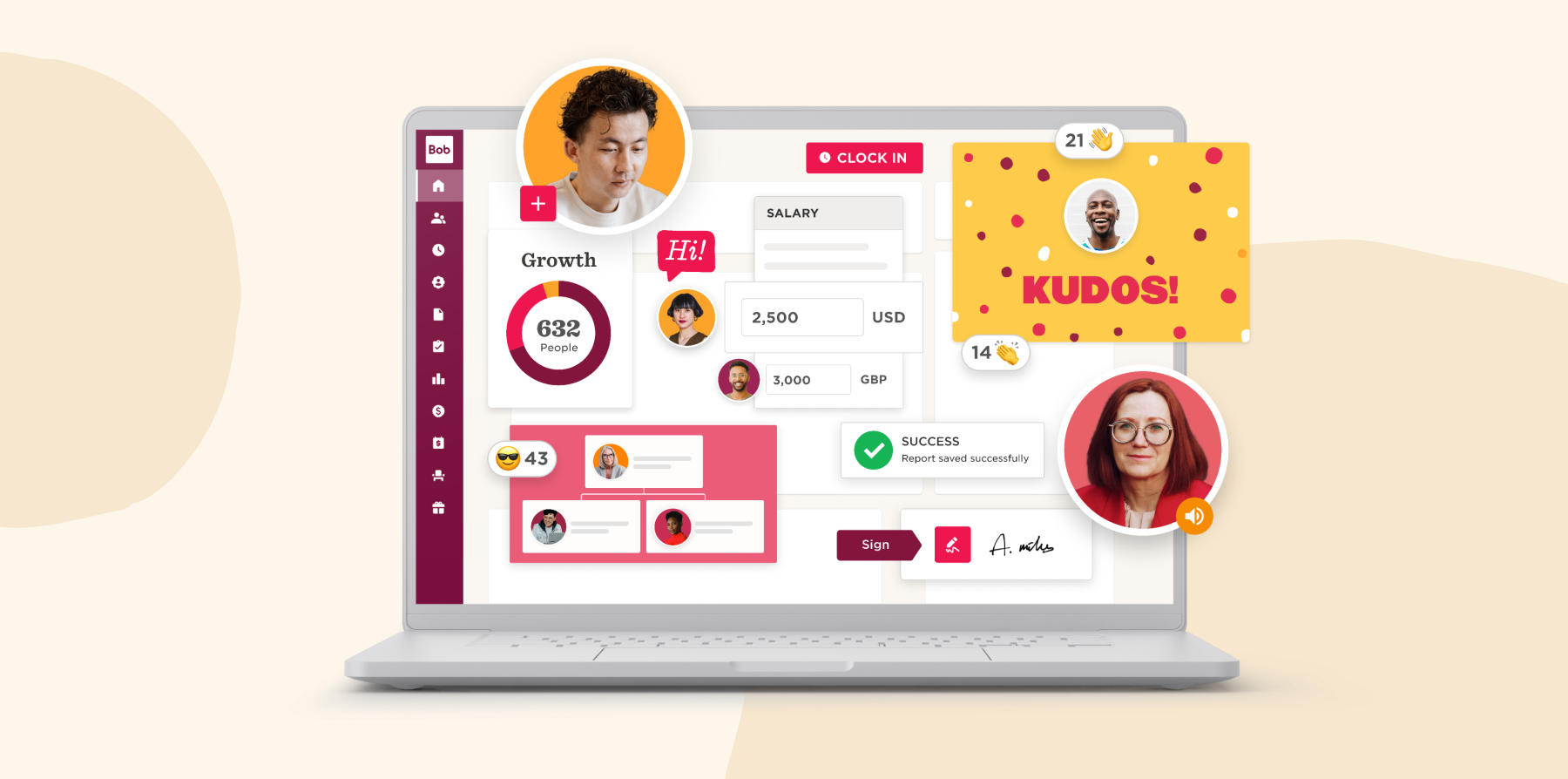
HiBob’s key features
- Core HR: Maintain secure, centralized records for team member profiles, documents, and key HR information
- Hiring and Onboarding: Coordinate hiring with applicant tracking, interviews, assessments, and offer management, then transition new hires into guided onboarding journeys
- Finance: Connect people plans to budgets by modeling headcount and workforce costs and keeping HR and Finance working from the real-time data
- Performance and Learning: Support goal-setting, 360-degree reviews, and ongoing feedback, while managing learning paths through the built-in LMS
- Payroll: Run accurate, compliant payroll with automated calculations, approvals, and reporting that minimize manual work
- People Analytics: Provide stakeholders with workforce insights through reports, dashboards, KPIs, and indicators that surface trends and attrition
- Time and Attendance: Monitor hours worked, attendance patterns, absences, and time off with integrated tracking tools
- Culture and engagement tools: Strengthens team connections through social features and recognition
HiBob pros and cons
Pros:
- “It’s much more user friendly and is a modernised, culture focused HRIS” – verified review
- “The platform has a user-friendly interface, robust features, and responsive support team” – verified review
- “We can connect and interact with employees from any location” – verified review
- “Super easy to use with an excellent customer support team” – verified review
- “I love how easy it is to use, the UX is great” – verified review
- “Its automation is the best thing” – verified review
- “Very flexible and adjustable platform” – verified review
Cons:
- “The engagement surveys are a little bit clunky” – verified review
Discover the power of a modern HRIS and learn firsthand how Bob can optimize your HR processes
2. BambooHR: User-friendly solution for smaller teams
BambooHR keeps things simple with an easy-to-use interface. Managers and employees can easily understand what’s going on, from employee records to performance reviews. This saves valuable time running training sessions or writing user guides.
While most platforms increase costs as you add people, BambooHR reduces the per-seat price as your headcount increases. If you have under 350 people and plan to grow, this pricing model works in your favor.
The simplicity means you’ll work within BambooHR’s standard workflows instead of building custom ones. Some teams find this helps standardize their HR practices, but if you have your own specific processes, you might need to adjust your approach to fit how it works.
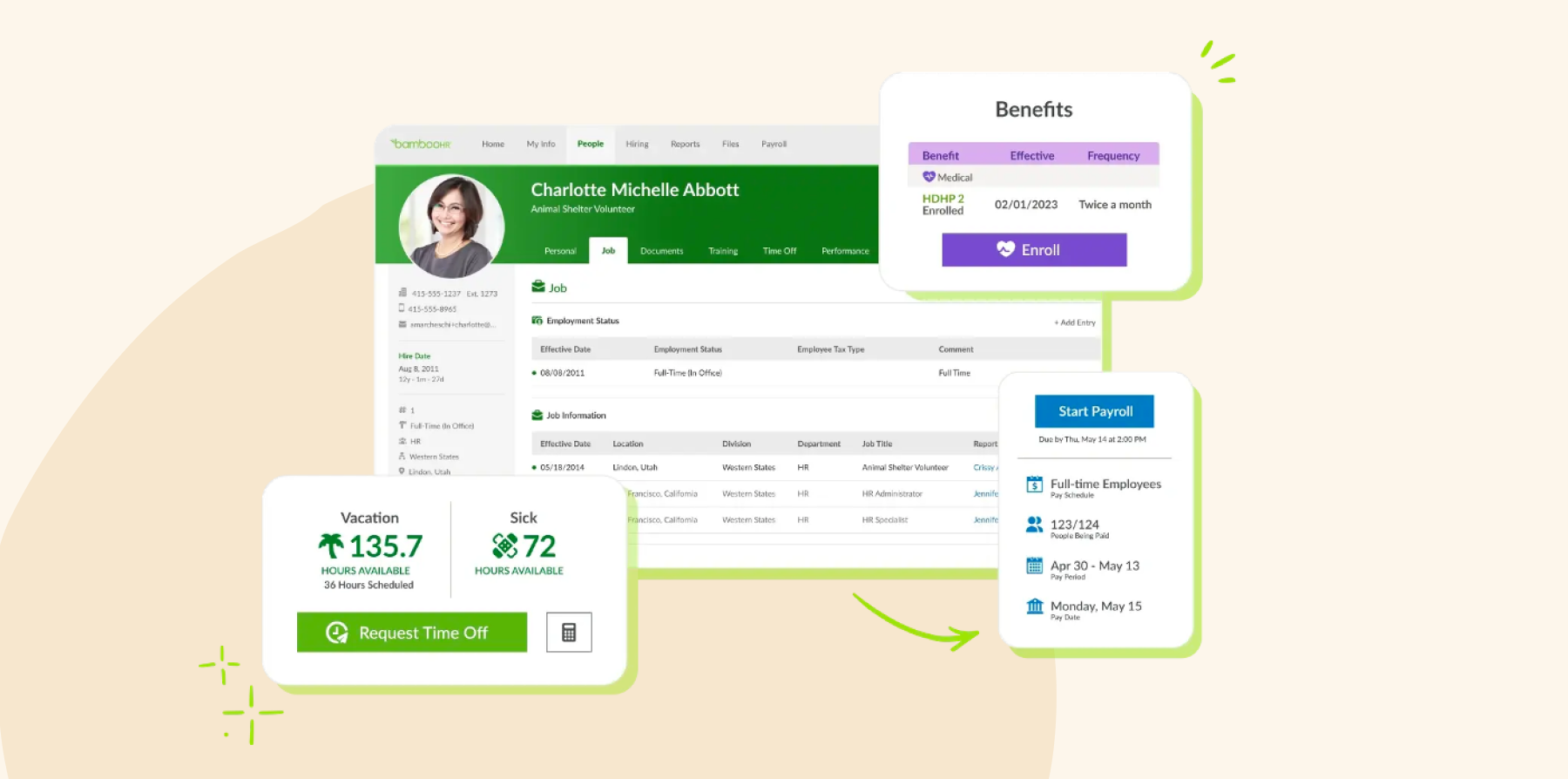
BambooHR key features
- Employee data management: Centralizes all data in one secure location
- Time tracking: Manages time-off requests and accruals efficiently
- Performance management: Provides review cycles and development tracking
- Self-service: Lets people update their own information
BambooHR pros and cons
Pros:
- “BambooHR is intuitive from set up to implementation” – verified review
- “It saves me so much time and allows for consistency” – verified review
- “It has allowed me more time to do other tasks” – verified review
Cons:
- “While the simplicity of Bamboo is beneficial for navigation, it’s also a negative because it limits the ability to handle complex HR situations” – verified review
- “It doesn’t integrate with many of our other systems which makes reporting, tracking, and other HR components difficult” – verified review
- “Your company set up needs to be fairly cookie cutter to get the most efficiencies out of BambooHR” – verified review
Compare HiBob vs. BambooHR – see which fits your business best
3. Workday: Enterprise platform for large organizations
If you want HR, finance, and planning to talk to each other, Workday might work for you. It brings everything together in one system, giving real-time insights so you can run workforce planning and analytics alongside core HR.
Workday handles payroll natively in five countries and connects to partners for 100+ more—helpful if you’re managing international teams. If you’re already using Workday for finance, adding it for HR can help you keep everything connected.
Implementation can take up to four months, and most teams find they need dedicated specialists to help navigate everything, especially during the first few months. This is worth considering if you don’t have the budget for full-time experts.

Workday key features
- Financial management: Unifies HR with accounting and finance systems
- Workforce planning: Provides strategic planning and skills intelligence
- Advanced analytics: Pulls insights across multiple data sources
- Global payroll: Supports multi-country requirements
Workday pros and cons
Pros:
- “Having all our information in one place saves time and effort” – verified review
- “The workflow is intuitive and smooth” – verified review
- “The UI is fairly intuitive to the employees” – verified review
Cons:
- “One potential drawback of Workday HCM can be the complexity of implementation and configuration, which may require significant time and resources” – verified review
- “Workday is a complex tool, and I went through a steep learning curve to navigate the platform” – verified review
- “After working with the tool for more than two years, I still struggle to navigate to what I’m looking for. The structure and usability do not support me in getting my things done” – verified review
Compare HiBob vs. Workday – see which fits your business best
4. Personio: European-focused solution for SMEs
If you’re running a business in Europe, Personio handles GDPR compliance and local labor laws automatically. You won’t need to worry about whether your HR practices meet regulations—the platform keeps you compliant by default.
You’ll be up and running in four to eight weeks with dedicated support guiding you through, and the system will scale with you as you grow to 2,000 people. You’ll get features like 360-degree reviews and performance management that go beyond basic employee data.
Personio’s European focus means if you’re not on the continent, you’ll have to rely on integrations rather than native features for things like payroll. It could work for you if you’re primarily Europe-based, but if you’re planning to expand globally, you might want to think about your long-term needs.

Personio key features
- HR management: Built with European compliance throughout
- Applicant tracking: Connects with 600+ job boards
- Preliminary payroll: Offers country-specific capabilities
- Performance tools: Provides basic review functionality
Personio pros and cons
Pros:
- “The best aspect of Personio is its ease of use and implementation” – verified review
- “It’s super easy to use and doesn’t need a two-hour tutorial” – verified review
- “Very flexible and adjustable platform” – verified review
Cons:
- “Its pricing can be a bit steep for smaller businesses or startups” – verified review
- “Some features lack customization options, and the mobile app is limited compared to the desktop version, which can be inconvenient for on-the-go tasks” – verified review
- “We do not have features regarding employee performance and feedback, which requires us to use another tool for this purpose” – verified review
Compare HiBob vs. Personio – see which fits your business best
5. Rippling: Unified HR, IT, and finance system
If you’re tired of setting up new hires across multiple systems, Rippling’s combined HR, IT, and finance approach might be for you. You can create workflow automations that quickly set up payroll, benefits, computer access, and every app your new hires need.
What sets Rippling apart is direct IT device management built into the HR platform. You can install software, push updates, and manage security settings remotely without juggling separate IT tools.
In the beginning, you may not need so many features. You’ll probably want to roll out gradually—start with what you need most, then add more as your team gets comfortable.
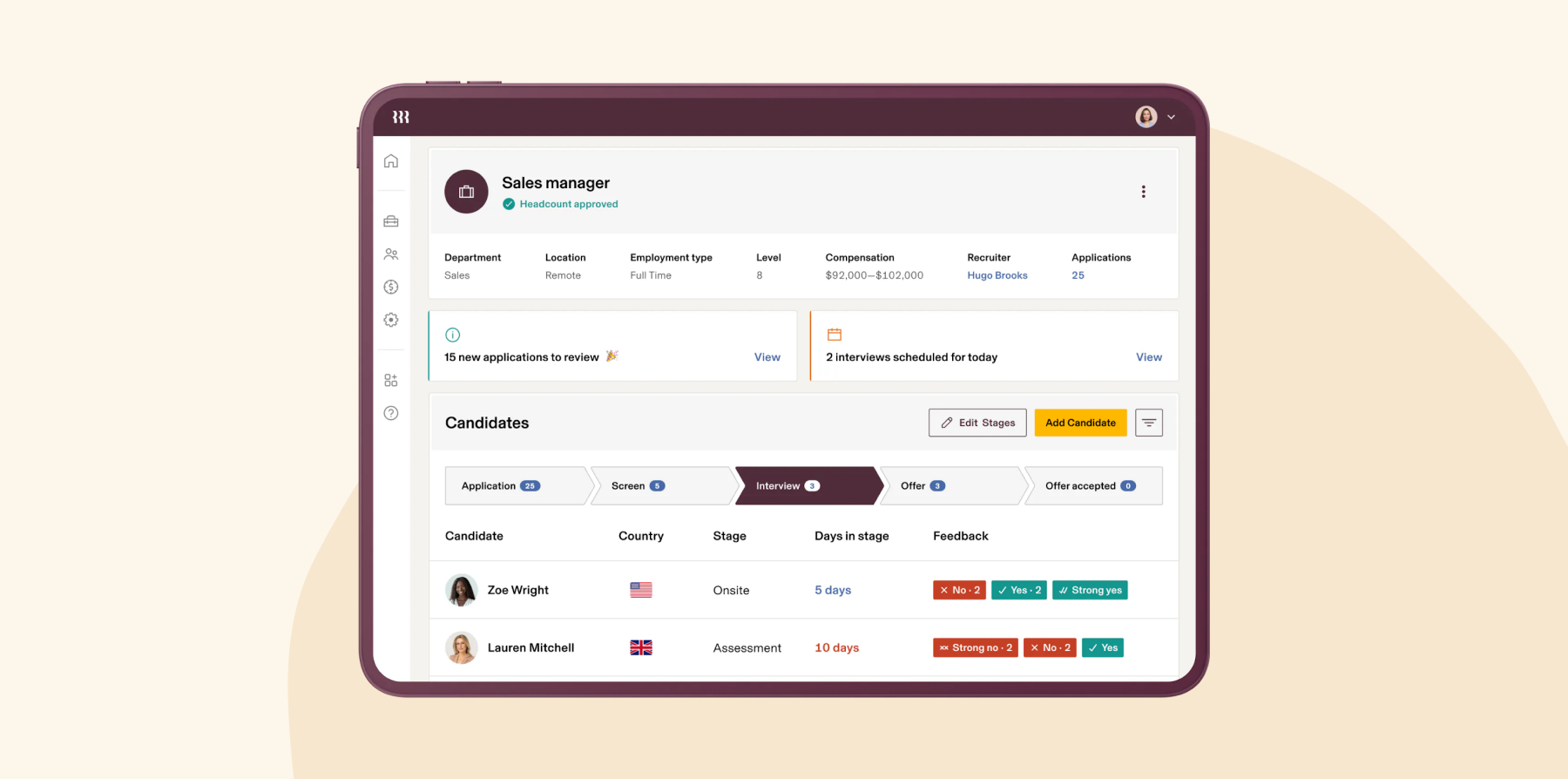
Rippling key features
- Combined system: Connects 700+ apps automatically
- Workflow automation: Creates custom triggers from any data
- Global payroll: Serves internationally distributed teams
- Device management: Handles IT provisioning within HR
Rippling pros and cons
Pros:
- “Rippling is very easy to use” – verified review
- “It’s modern and simple” – verified review
- “It is user friendly for all our employees” – verified review
Cons:
- “The platform is cluttered and disjointed. I either experience multiple notification about features and issues irrelevant to my organization or having to dig through confusing sub menus” – verified review
- “Many of the issues we’ve experienced have been caused by a poor sales experience that promised functionality that either doesn’t exactly exist as presented” – verified review
- “While support has improved, there’s still room for better follow-through on commitments” – verified review
Compare HiBob vs. Rippling – see which fits your business best
6. ADP: Traditional choice for payroll and HR
ADP puts HR and payroll in one place, so if you’re dealing with complicated payroll needs for a mid-size company—think multi-state operations or varied tax jurisdictions—it could be a good choice. It comes with automated compliance updates that work in 140+ countries, so you won’t need to worry about tax law changes.
Implementation takes around three months, but once you’re set up, you’ll be connected to 400+ integration partners. That said, ADP’s custom workflows may sometimes feel a bit limited—something to keep in mind if you need the flexibility to design your own processes.
The interface feels more traditional compared to newer platforms so if you’re used to modern-looking software, you might need a bit of time to adjust to how ADP does things.

ADP key features
- Advanced payroll processing: Handles multi-state and country requirements
- Benefits administration: Connects directly with carriers
- Time and labor management: Tracks workforce hours precisely
- Compliance automation: Manages requirements across jurisdictions
ADP pros and cons
Pros:
- “The ADP payroll interface is easy to use” – verified review
- “It is easy to navigate” – verified review
- “The report writer gives you a multitude of options” – verified review
Cons:
- “The system is not intuitive and requires navigating multiple disconnected areas to complete even basic tasks” – verified review
- “The UI is messy and it’s always hard to find where everything is” – verified review
- “There are too many customer service reps who are unqualified and not knowledgeable about the service we need help with” – verified review
7. SAP SuccessFactors: HCM solution for teams using SAP
If you’re already running SAP for finance or operations, adding SuccessFactors means your HR data can talk directly to your other systems. You can connect workforce planning with financial forecasts, and your labor costs flow straight into budget planning. For teams already in the SAP world, this integration can save tons of manual reconciliation work.
You get comprehensive talent management, learning systems with multiple languages, and predictive analytics to help you spot trends across thousands of people at once. Just note that if you’re not working at enterprise level, you may need different software to cover your core HR—SAP tends to only offer it to companies with at least 2,000 people.

SAP SuccessFactors key features
- Talent management suite: Covers recruiting through development
- Core HR and payroll: Provides global capabilities
- Workforce analytics: Delivers planning and predictive insights
- Learning management: Includes integrated training systems
SAP SuccessFactors pros and cons
Pros:
- “The system is user-friendly” – verified review
- “This provides real-time insights, reporting, and friendly dashboards” – verified review
- “It enables users to make data-driven decisions” – verified review
Cons:
- “Maintenance cost is high and integration is complex” – verified review
- “It’s costly, especially for smaller businesses or those with limited budgets” – verified review
- “The time and efforts spent on implementing and maintaining SAP SuccessFactors with other systems are challenging” – verified review
Compare HiBob vs. SAP SuccessFactors – see which fits your business best
8. Namely: Mobile-first platform for distributed teams
Namely’s mobile-first design means the people on your field teams get the same experience on their phones as office workers get on desktops. This can help all your people stay connected, especially if you’re in retail, healthcare, or hospitality. The social-style interface means your team can give kudos, see company updates, and check who’s out today in a format that feels like the apps they already use.
You’ll work with Namely’s standard templates rather than building custom forms from scratch. These templates handle most typical HR needs well, though if you need custom processes, you might need to adjust how you do things to fit the platform’s approach.

Namely key features
- Mobile-first design: Built for any device access
- Core HR management: Handles employee data efficiently
- Performance reviews: Provides basic review tools
- Time and attendance: Tracks hours and time off
Namely pros and cons
Pros:
- “Namely was fun and interactive from an end user perspective” – verified review
- “We love how user friendly it is” – verified review
- “It is truly an out-of-the-box solution” – verified review
Cons:
- “It lacks flexibility to create our own forms, particularly for performance management. The reporting option is too limited” – verified review
- “Reporting is difficult. Most times I have to run a report in HRIS and in Payroll to get what I want” – verified review
- “You get a different support person on every single ticket, and there is no consistency in response times or quality of response” – verified review
What should I look for in a UKG alternative?
Start with the user experience. You want an interface that feels intuitive for everyone, from HR admins to employees checking their time off. Look for platforms built as one cohesive system rather than assembled through acquisitions, since this usually means smoother workflows and better integration between features.
Implementation should be straightforward and affordable. While UKG charges 40-70% of annual software fees for setup, modern alternatives like HiBob keep costs reasonable and get you running in 6-8 weeks. You’ll also want to check the level of support included—some platforms offer dedicated help while others take a more hands-off approach.
Check that your alternative lets you make changes independently. HiBob lets you build workflows and adjust settings yourself without needing technical knowledge. The right platform should adapt to how you work, with flexibility built in from the start.
When is it time to move on from UKG?
You’ll know it’s time when your needs have evolved beyond your current setup. Maybe you’ve grown and need more flexibility, or perhaps you want modern features like employee engagement tools and real-time analytics that come standard in newer platforms.
If your team keeps asking for features that seem basic—like better mobile access, simpler workflows, or tools that actually help with company culture—you’re probably ready for something more modern. Today’s platforms like HiBob include these as standard, not expensive add-ons.
Your team’s expectations have likely evolved as well. People now look for HR tools that feel familiar—intuitive, flexible, and as easy to use as the apps they rely on every day. If your current system feels cumbersome, requires IT support for simple updates, or slows people down instead of helping them work smarter, it might be time to consider a more modern platform.
Recommended For Further Reading
Why HiBob is the best UKG alternative
HiBob provides workforce management capabilities that are similar to UKG’s, but with easier implementation and more accessible daily use. UKG takes time to set up and needs specialized staff, but HiBob includes features that your existing team can configure and manage independently. The six- to eight-week setup means you can start improving HR operations this quarter, not next year.
Its culture features mean HiBob will quickly become an essential part of your people’s workday—they’ll want to use it to check for birthdays, give recognition, and connect with colleagues. This kind of engagement leads to higher-quality data, which in turn makes your performance management and analytics more valuable. You can use this data to build new workflows and pull insights without waiting for consultants.
HiBob grows with your company, offering multi-currency support, global capabilities, and flexible structures as standard features that support you as you expand. This modern approach to HR explains why more than 4,200 companies have already chosen HiBob for their HR and Finance needs.
Disclaimer:
This content reflects HiBob’s perspective, informed by our experience supporting HR teams as they evaluate and implement HR software. It is provided for informational purposes only and is not intended as independent research or professional advice. Prospective users should conduct their own evaluation before making a decision.
Feature descriptions, pricing references, and availability for third-party platforms are based on publicly available information at the time of publication and may change. HiBob does not guarantee the accuracy or completeness of information related to third-party products. Prospective users should verify details directly with each provider.
FAQs about UKG alternatives
Workday and SAP SuccessFactors compete with UKG for the same enterprise buyer, and all three sell depth over speed. For companies in the 50 to 5,000 range the real competition now comes from platforms like HiBob, which pair multi-country HR with AI inside everyday workflows and give Finance live headcount and cost data, without the implementation UKG and Workday both need.
UKG is similar to platforms like Workday, SAP SuccessFactors, and ADP—they all offer HR functionality combined with workforce management tools. They serve similar markets and have comparable features. HiBob gives you many of the same sophisticated capabilities, but makes them more accessible via an intuitive interface that doesn’t require extensive training or dedicated administrators.
Yes. Kronos and Ultimate Software merged in 2020 to form UKG, so Kronos products now sit inside the UKG range. The name still appears in older material, which is worth knowing when you’re comparing documentation or reviews.
They’re strong in different places. Workday’s financial integrations go deeper, UKG’s scheduling and labor tools go deeper, and reviewers say both take real time and budget to implement. If neither of those is your hardest problem, a lighter platform will get you live faster.
HiBob is the alternative most UKG customers in the 50 to 5,000 range end up weighing. You get multi-country HR with local compliance, native US and UK payroll with a hub for other countries, AI inside everyday workflows rather than bolted on, and one set of real-time headcount and cost data that HR and Finance both plan from — without the implementation programme UKG and Workday both ask for. Reviewers rate it highest of this group on usability, which is what keeps managers in the system instead of emailing HR.
No, UKG and Dayforce (formerly Ceridian) are not the same. They are separate companies competing in the enterprise HCM space—both offer workforce management and human capital solutions for large organizations. While they target similar markets and have similar features, they have different ownership structures, tech architectures, and approaches to implementation.